
5 Awesome CyberChef Alternatives
 Yulei Chen
CyberChef is the go-to open-source web app for encoding, decoding, encryption, compression, and data analysis. Built by GCHQ, it chains over 300 operations into drag-and-drop recipes right in your browser. It is completely free and open-source, but if you work with sensitive data, running your own instance is the safer bet. You can self-host CyberChef on Sliplane for just €9/month with one click, no server management needed.
But maybe CyberChef isn't quite what you need. Maybe you want a native desktop app, an automated decryption engine, or a scriptable CLI tool. Here are 5 awesome alternatives worth checking out.
1. DevToys
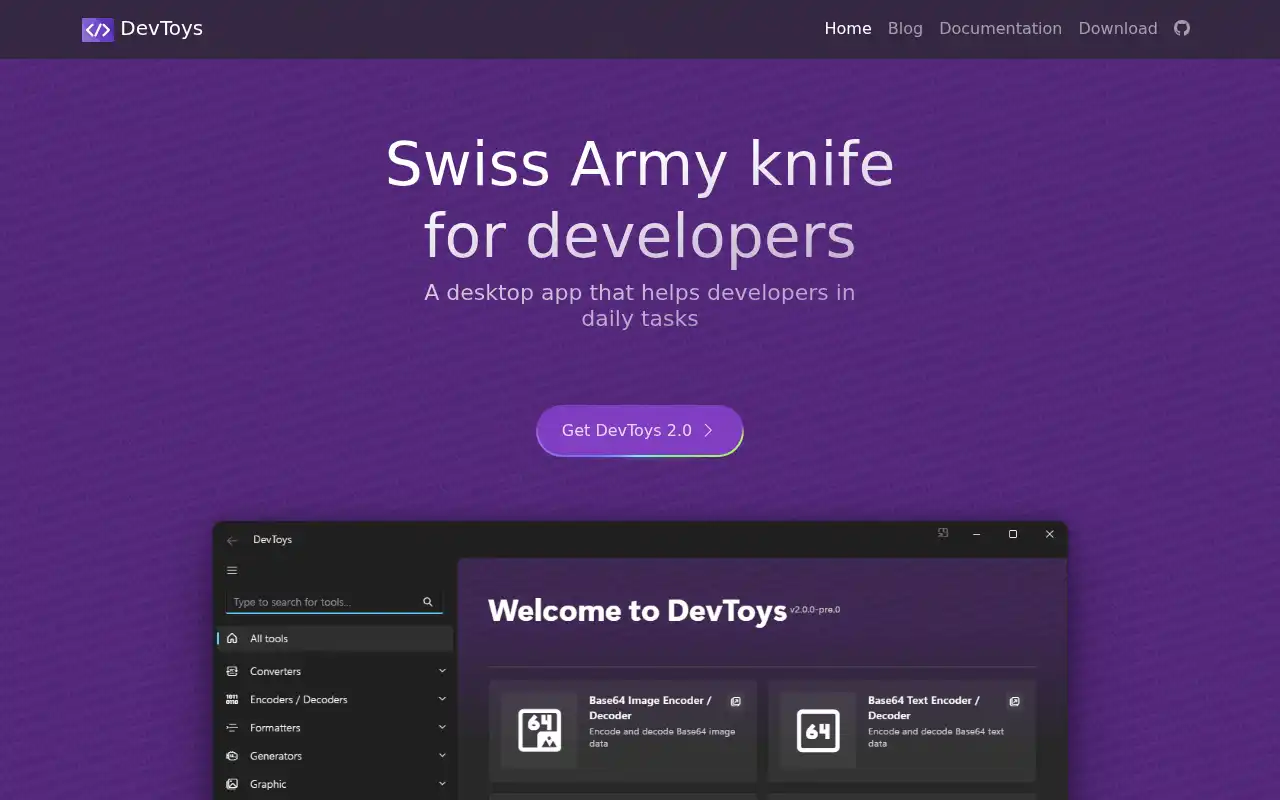
DevToys is a cross-platform, open-source developer toolkit that bundles dozens of everyday utilities into a single desktop app. Think of it as a Swiss Army knife for developers, covering everything from JSON formatting to Base64 encoding, all running offline on your machine.
- Features: JSON/YAML/XML formatters, Base64 encoder/decoder, JWT decoder, hash generator (MD5, SHA1, SHA256, SHA512), URL encoder/decoder, UUID generator, regex tester, text diff, color picker, image compressor, number base converter, and smart clipboard detection.
- Why You Should Use It: If you need quick access to encoding, hashing, and formatting tools without opening a browser, DevToys is perfect. It runs completely offline, so your data never leaves your machine. The smart clipboard detection automatically selects the right tool based on what you copied. It supports Windows, macOS, and Linux.
- Why Not: DevToys focuses on developer utilities, not security operations. It doesn't support chaining operations into recipes like CyberChef does. There's no encryption/decryption for classical ciphers, and the tool count is smaller than CyberChef's 300+ operations.
- Pricing: Completely free and open-source. Available on the Microsoft Store, Homebrew, Flathub, and as a portable download. No paid tiers.
2. Cryptii
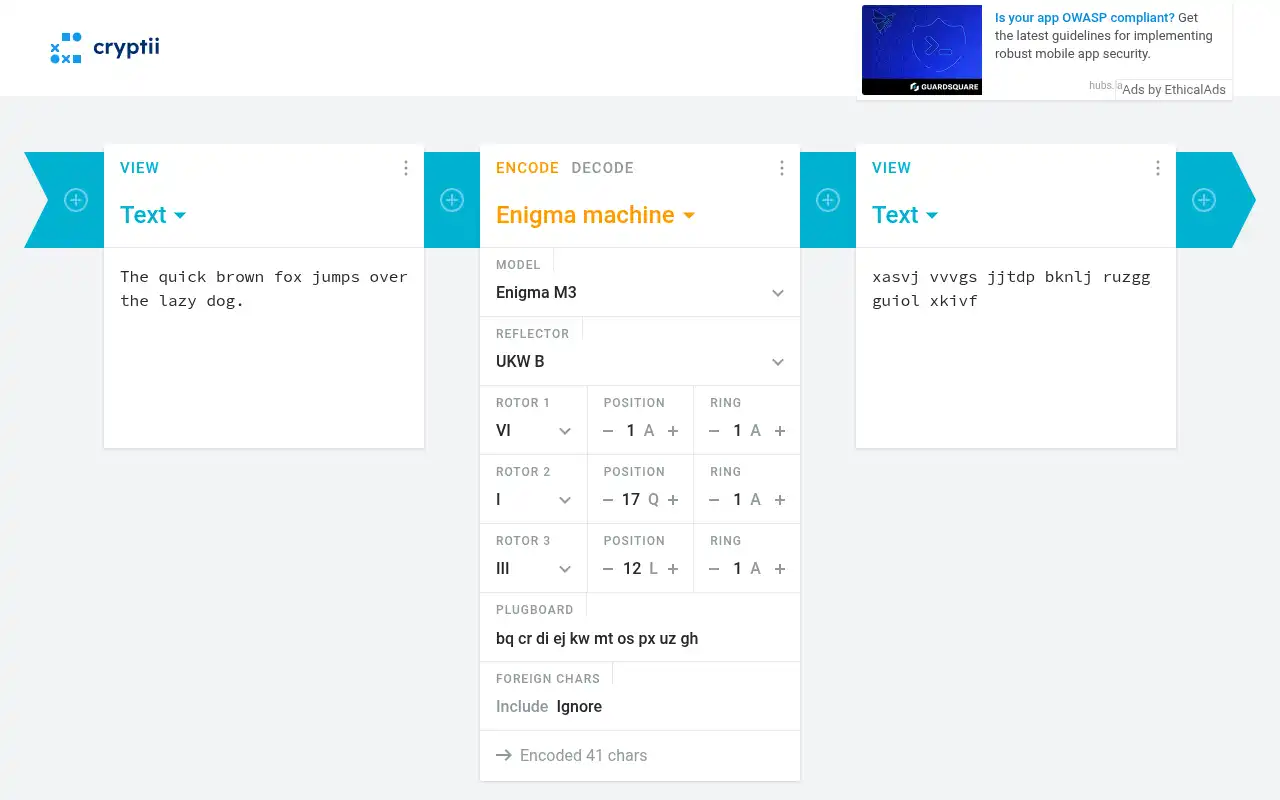
Cryptii is an open-source web app for modular encoding, decoding, and encryption. Like CyberChef, it runs entirely in the browser with no server interaction. Its unique "pipe" system lets you chain encoders and viewers together in a visual pipeline.
- Features: 41 modular "bricks" for encoding and encryption, Caesar cipher, Vigenere cipher, Affine cipher, ROT13, Base64/Base32 encoding, Morse code, Baudot code, Polybius square, Rail fence cipher, RC4, HMAC, numeral system conversion, and a visual pipe editor that chains operations in sequence.
- Why You Should Use It: If you work with classical ciphers and encoding schemes, Cryptii's modular pipe interface is intuitive and visual. Each brick shows intermediate results, making it easy to debug and understand multi-step transformations. The MIT-licensed source code is clean and well-structured if you want to self-host or extend it.
- Why Not: Cryptii focuses on classical/historical ciphers and encoding, not modern cryptography (AES, RSA, etc.). It has about 41 bricks compared to CyberChef's 300+ operations. There are no features for data analysis, regex extraction, or file format conversions that CyberChef handles well.
- Pricing: Completely free and open-source (MIT license). No hosted cloud service with paid plans. Self-hosting is straightforward since it's a static web app.
3. dCode
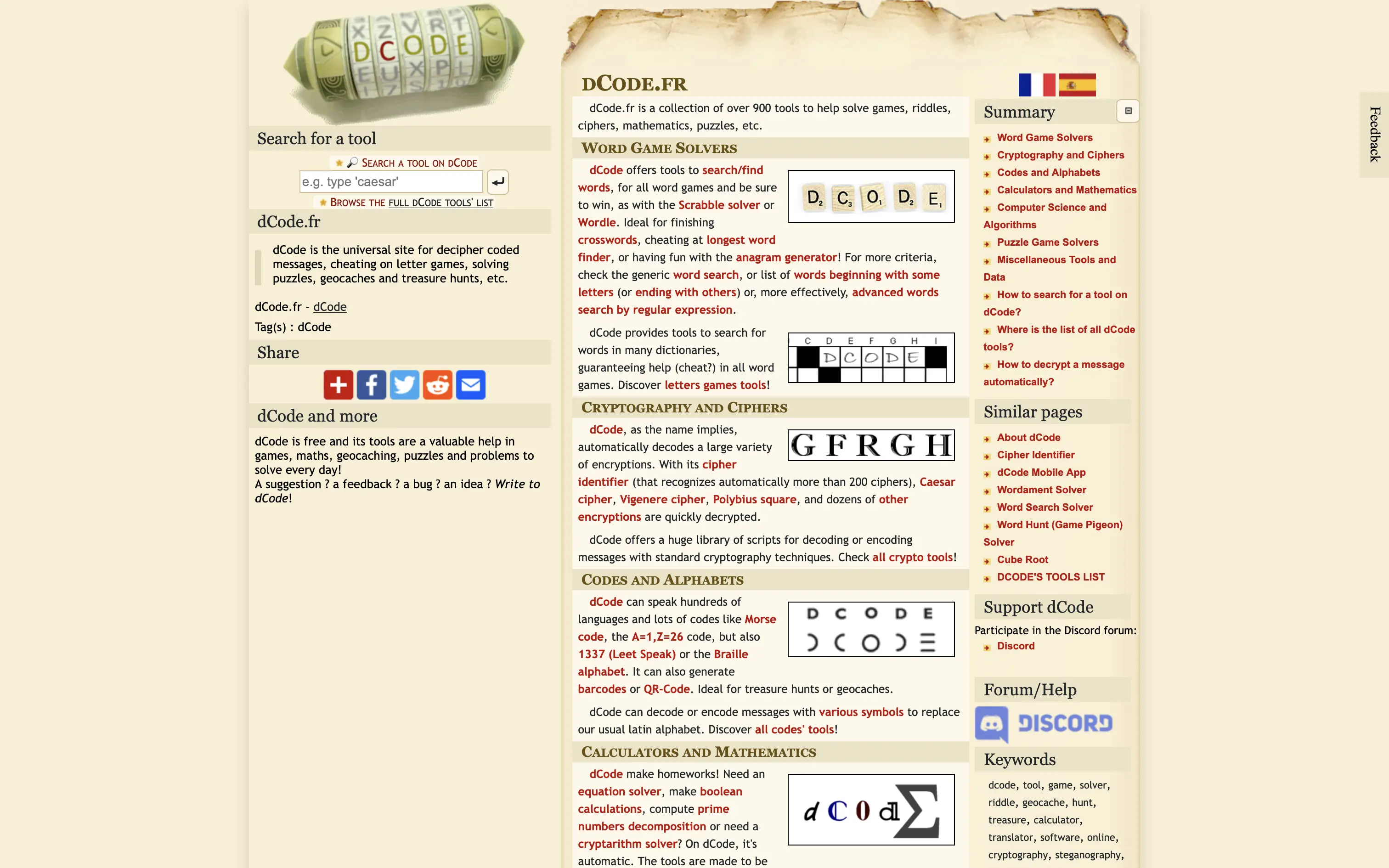
dCode is a massive online toolkit for cryptanalysis, cipher solving, math, and data processing. While CyberChef is a general-purpose data transformation tool, dCode specializes in breaking and solving ciphers, puzzles, and codes, making it a favorite for CTF players and puzzle enthusiasts.
- Features: AI-powered cipher identifier that recognizes 200+ ciphers, Caesar/Vigenere/substitution cipher solvers, frequency analysis, Base64/hex/binary converters, hash generators, math tools (prime factorization, GCD, modular arithmetic), word game solvers (Scrabble, crosswords, anagrams), and data processing tools (text diff, regex, image analysis).
- Why You Should Use It: dCode's automatic cipher identification is unmatched. Paste in an encrypted text and it will suggest which cipher was used, then let you decode it in one click. The breadth of math and puzzle-solving tools makes it invaluable for CTF competitions, geocaching, and educational contexts.
- Why Not: dCode is a hosted web service with no self-hosting option (the source code is not public). You can't run it offline or on your own server. The interface is ad-supported and can feel cluttered. It's not designed for chaining operations into reusable recipes like CyberChef.
- Pricing: Free to use online. Content is freely reusable under CC-BY license. The source code and API are not publicly available. No premium tier or self-hosting option.
4. Ciphey
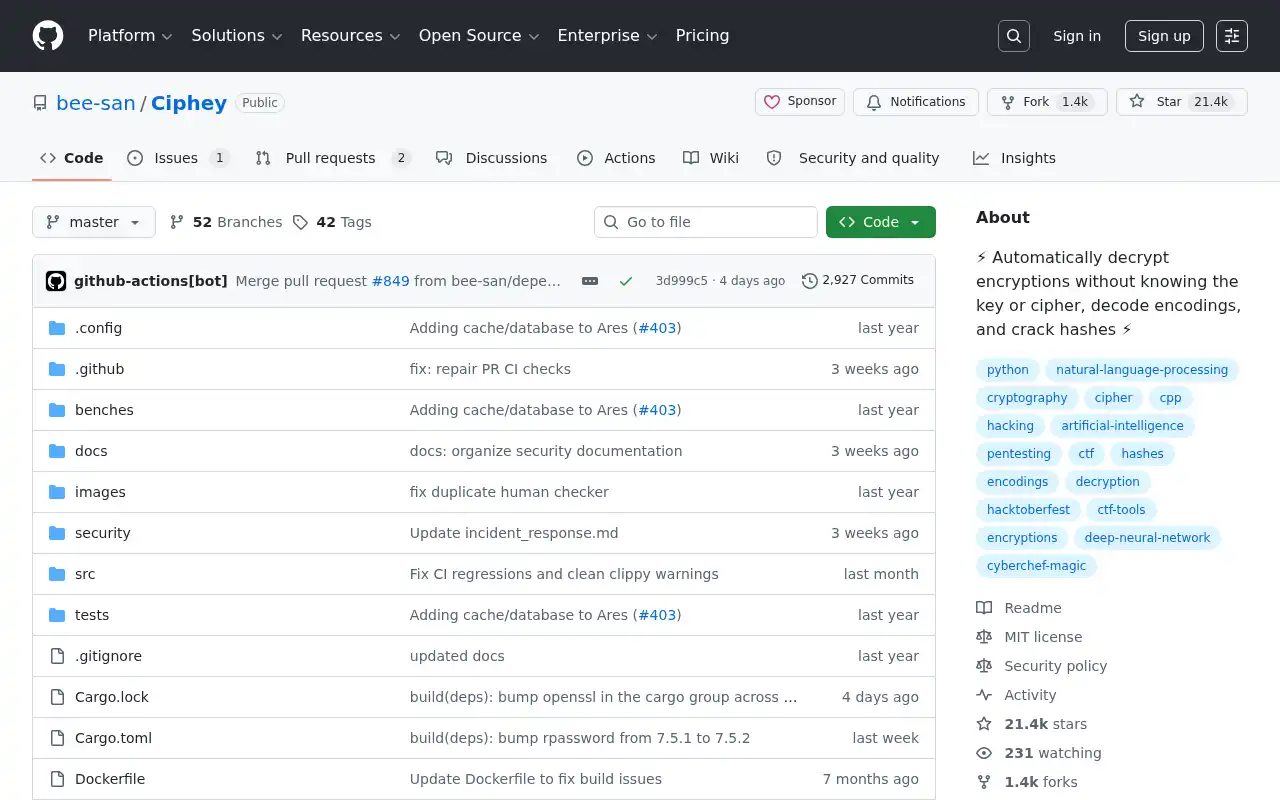
Ciphey is an AI-powered automated decryption tool that can decode, decrypt, and crack encoded text without you knowing the key or even the cipher used. Where CyberChef requires you to manually pick and chain operations, Ciphey figures it out automatically.
- Features: Automatic cipher detection using AI and NLP, supports 50+ cipher types and encodings (Base64, Caesar, Vigenere, XOR, Morse, and more), multi-level decryption (handles nested encodings like ROT13 inside Base64 inside ROT13), BERT-based plaintext detection, configurable sensitivity levels, and a Rust-based engine that's up to 7x faster than the original Python version.
- Why You Should Use It: When you have an encoded or encrypted string and you don't know what was used, Ciphey is the fastest way to crack it. Just feed it the ciphertext and it tries every combination automatically. It's built by and for the CTF community, and can solve problems in seconds that would take minutes of manual CyberChef recipe building.
- Why Not: Ciphey is a CLI tool, not a web app. It's great for automated decryption but doesn't handle data transformation, formatting, or analysis tasks that CyberChef covers. It can't create reusable recipes or process files in bulk. If you know what cipher was used, CyberChef's manual approach is more precise.
- Pricing: Completely free and open-source (MIT license). Install via
cargo install ciphey(Rust version) orpip install ciphey(Python version). No paid tiers.
5. Chepy
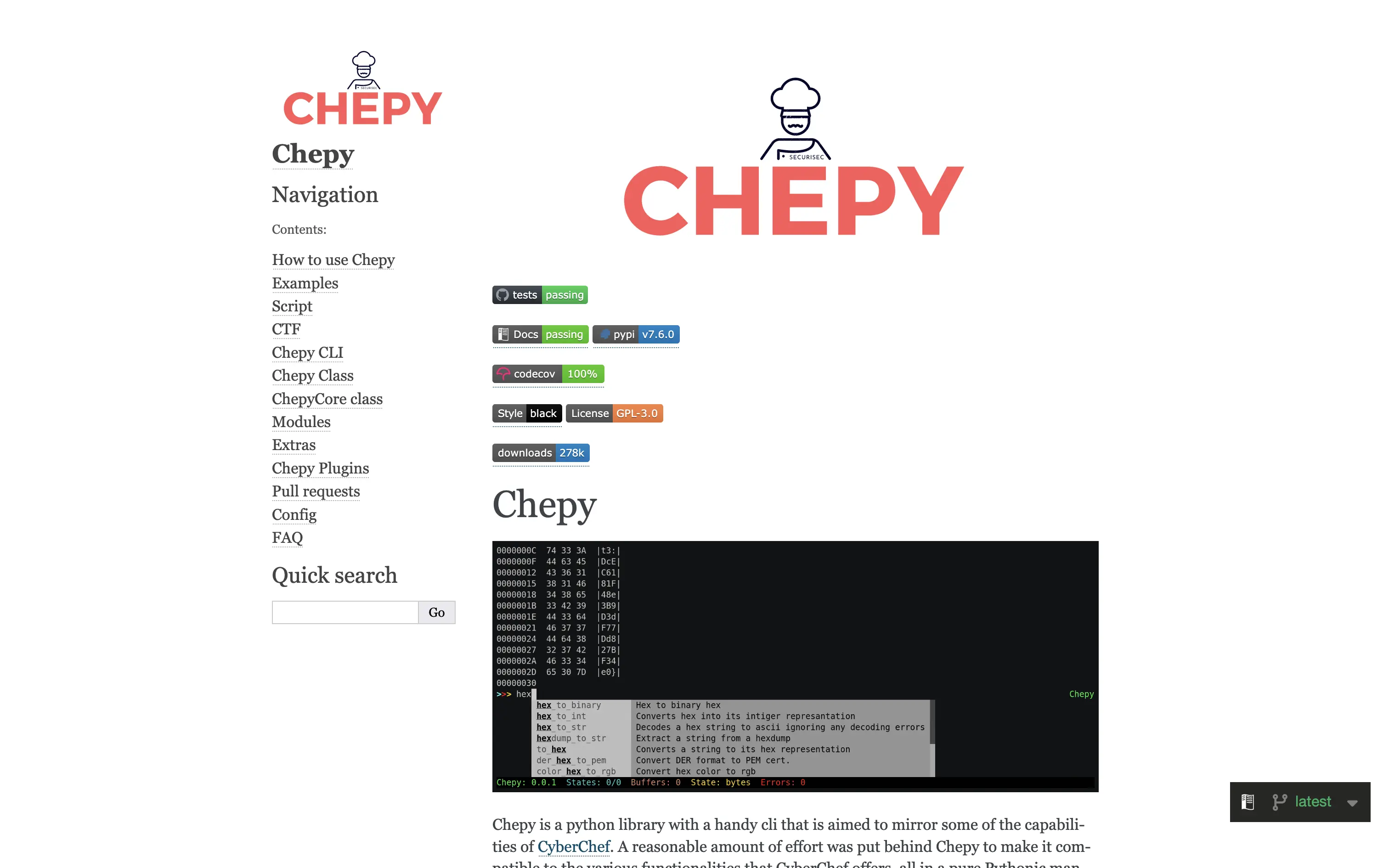
Chepy is a Python library and CLI that mirrors CyberChef's functionality in a scriptable, programmable way. If you love CyberChef's recipe concept but want to automate it in scripts and pipelines, Chepy is your tool.
- Features: Method chaining that mirrors CyberChef's recipe stacking, AES/DES/Blowfish encryption and decryption, Base64/Base32/hex encoding, ROT13, XOR operations, hash generation, HTTP request handling without CORS issues, states and buffers for managing multiple data streams, CyberChef interoperability, and the ability to build standalone binaries.
- Why You Should Use It: Chepy is the best choice when you need CyberChef's capabilities inside automated workflows. The Python library is significantly faster than CyberChef's Node.js backend. You can chain methods like
Chepy("data").from_base64().rot_13().outin scripts, CI/CD pipelines, or Jupyter notebooks. It also works with HTTP/S requests natively without CORS restrictions. - Why Not: Chepy is a Python CLI/library, not a visual web app. If you prefer a drag-and-drop interface or need to share recipes with non-technical teammates, CyberChef is easier. Chepy doesn't cover all 300+ CyberChef operations yet, and it requires Python knowledge to use effectively.
- Pricing: Completely free and open-source. Install via
pip install chepy. No paid tiers or commercial licenses.
Conclusion
| Tool | Best For | Platform | Focus | Cloud Pricing |
|---|---|---|---|---|
| CyberChef | General data transformation | Web | 300+ operations, recipes | Free (self-host for €9/mo) |
| DevToys | Quick dev utilities | Desktop (Win/Mac/Linux) | Offline developer toolkit | Free, open-source |
| Cryptii | Classical ciphers, visual pipes | Web | Modular encoding/decoding | Free, open-source |
| dCode | Cipher solving, CTF puzzles | Web | AI cipher identification | Free, ad-supported |
| Ciphey | Automated decryption | CLI (Rust/Python) | AI-powered cracking | Free, open-source |
| Chepy | Scripted data processing | CLI/Library (Python) | CyberChef in Python | Free, open-source |
Each tool fills a different gap: DevToys for quick offline developer utilities, Cryptii for visual cipher pipelines, dCode for automatic cipher identification and puzzle solving, Ciphey for AI-powered automated decryption, and Chepy for scripting CyberChef workflows in Python.
CyberChef remains the best all-rounder for manual data transformation with its 300+ operations and drag-and-drop recipes. But if you need a desktop app, automated decryption, or scriptable pipelines, one of these alternatives might be the better fit.
If you want to run your own CyberChef instance, check out our guide on self-hosting CyberChef the easy way. For tips on locking down your server, take a look at 5 easy steps to secure your server.